
♣ AI creation
The worst part of flashcards was making them. Was.
Every way your study material exists, FlashQuest turns it into a deck, and you stay the editor. The AI drafts. You approve every card before it joins your library.
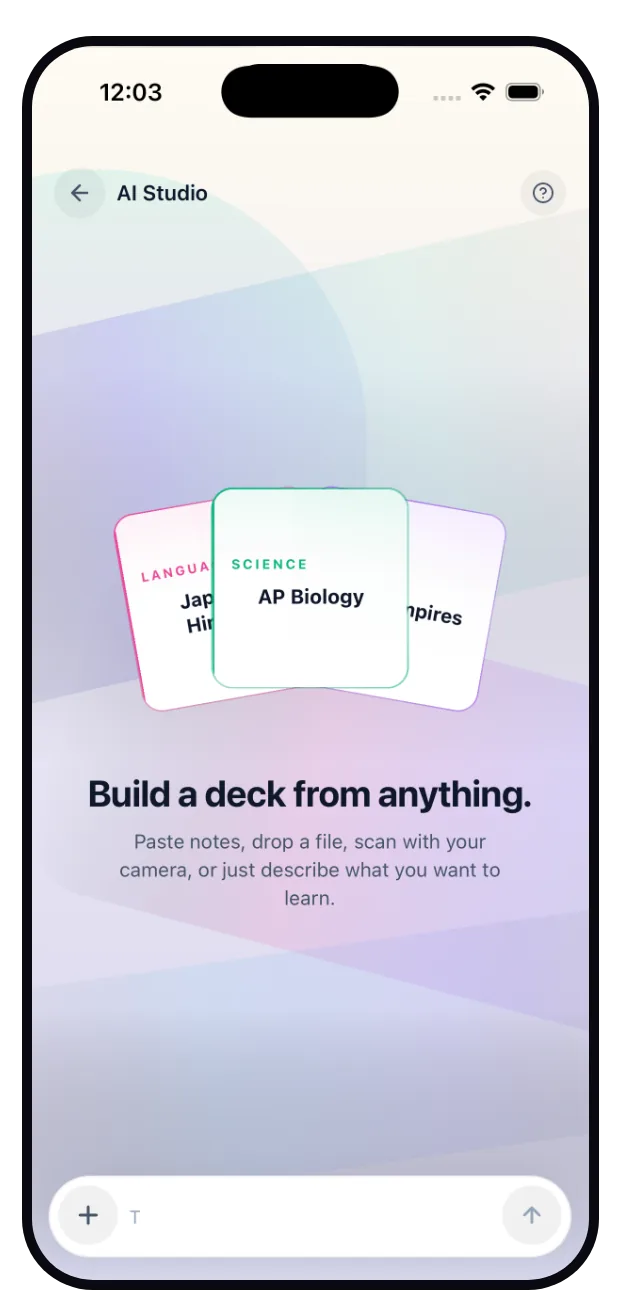
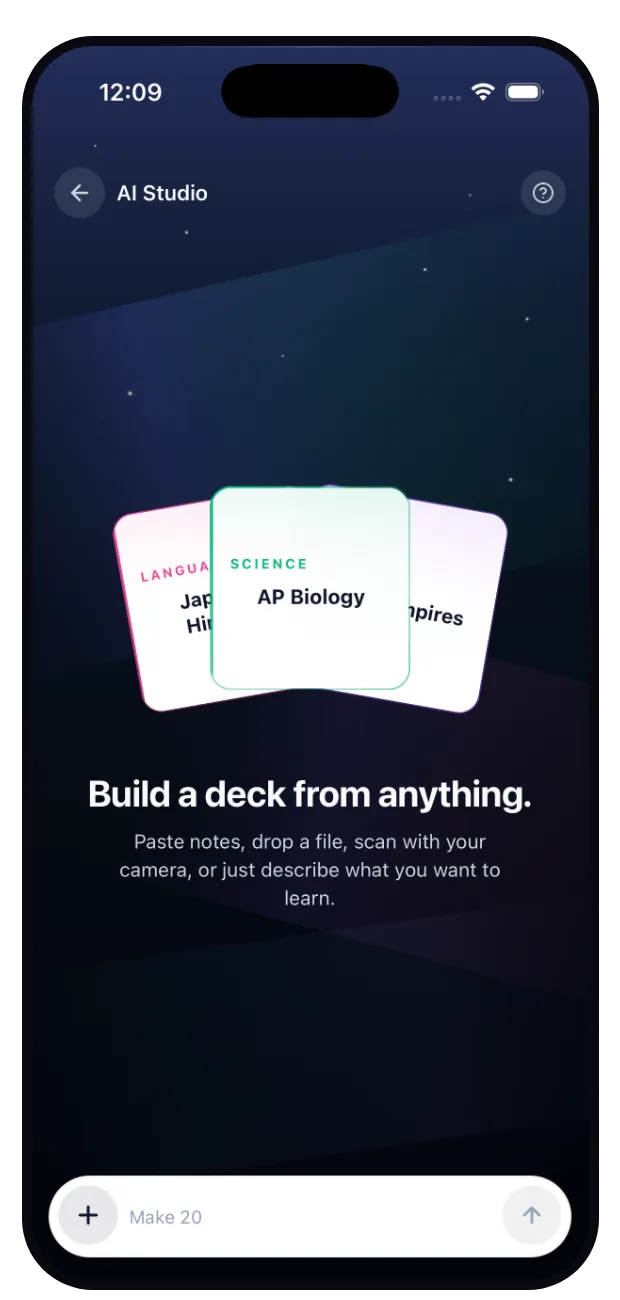
Photo & scan
Point your camera at a notebook page, a slide, a textbook spread. The AI reads it and drafts cards from what matters.
Paste anything
Lecture notes, a study guide, that wall of text your professor calls a syllabus. Paste it and get clean Q&A cards.
Name a topic
“Photosynthesis.” “The French Revolution.” “Series 7 options.” Say the word and start from a solid draft deck.
Quizlet import
Bring your old sets with you. Paste a Quizlet export and your history doesn't start over. It levels up.
CSV & TSV
Spreadsheet people, we see you. Two columns in, one deck out, formatting preserved.
By hand, beautifully
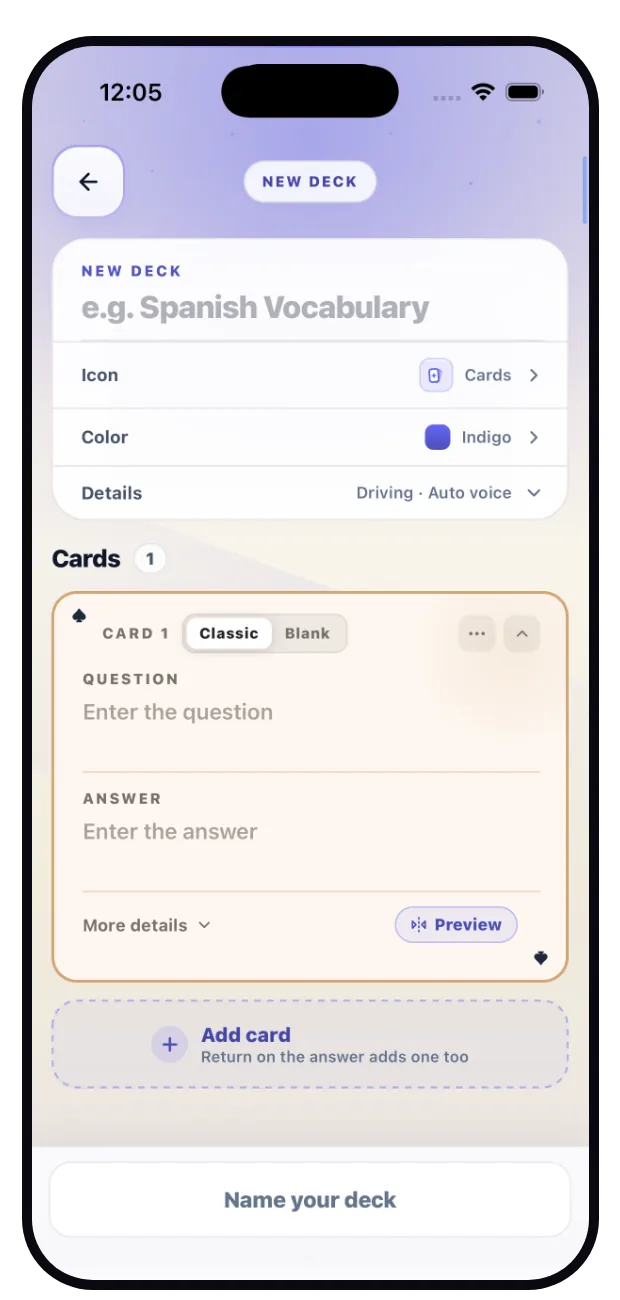
The manual editor is fast, keyboard-friendly, and supports cloze blanks, because sometimes writing the card is the studying.
♥ Quality control
AI drafts. You decide.
Every generated card lands in a review screen first. Edit, delete, or approve, card by card. Nothing enters your deck unread, because a flashcard you don't trust is a flashcard you won't study.
Generous free limits, reset daily. Smart hints and explanations during study runs are AI-powered too, with the same honesty: the card's answer is always the source of truth.
♦ Or build by hand
Rather write them yourself? Even better.
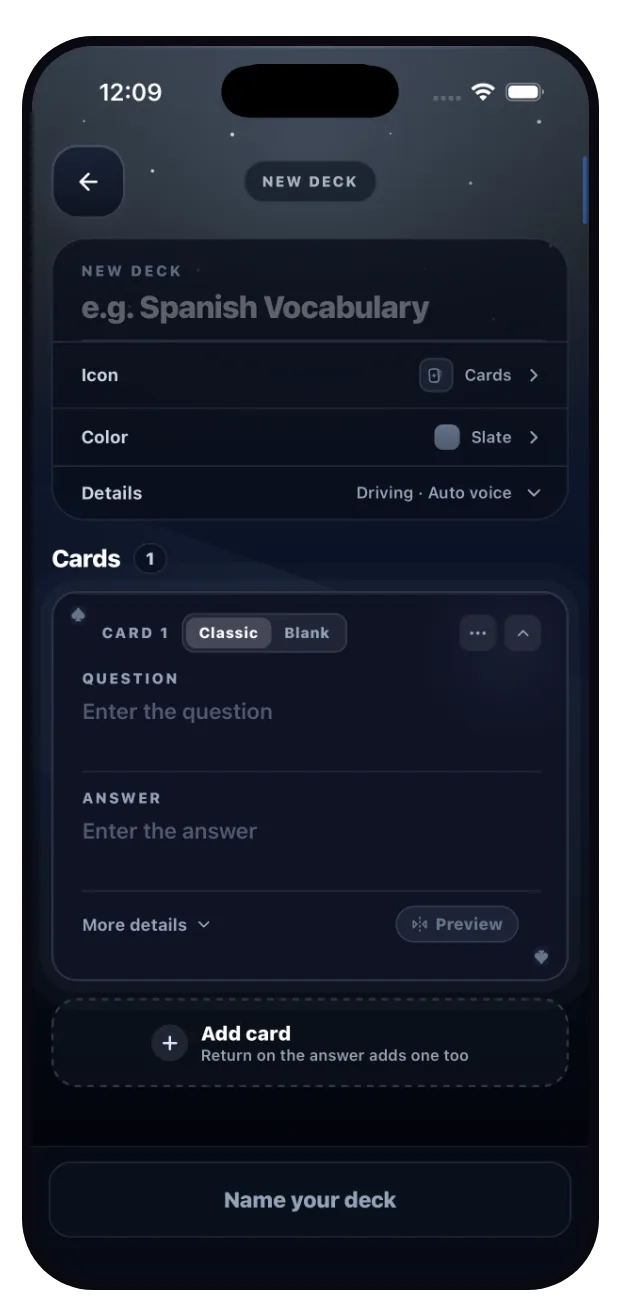
The AI is an offer, not a requirement. Name the deck, pick its icon and color, and add cards in a fast, keyboard-friendly editor with cloze blanks and hints. Sometimes writing the card is the studying, and every AI draft lands in this same editor anyway.
Your notes, playable
Free on iOS. First deck in under three minutes. Camera optional.
Free on iOS · Android waitlist open